Denver Zoo: Redesign
OVERVIEW
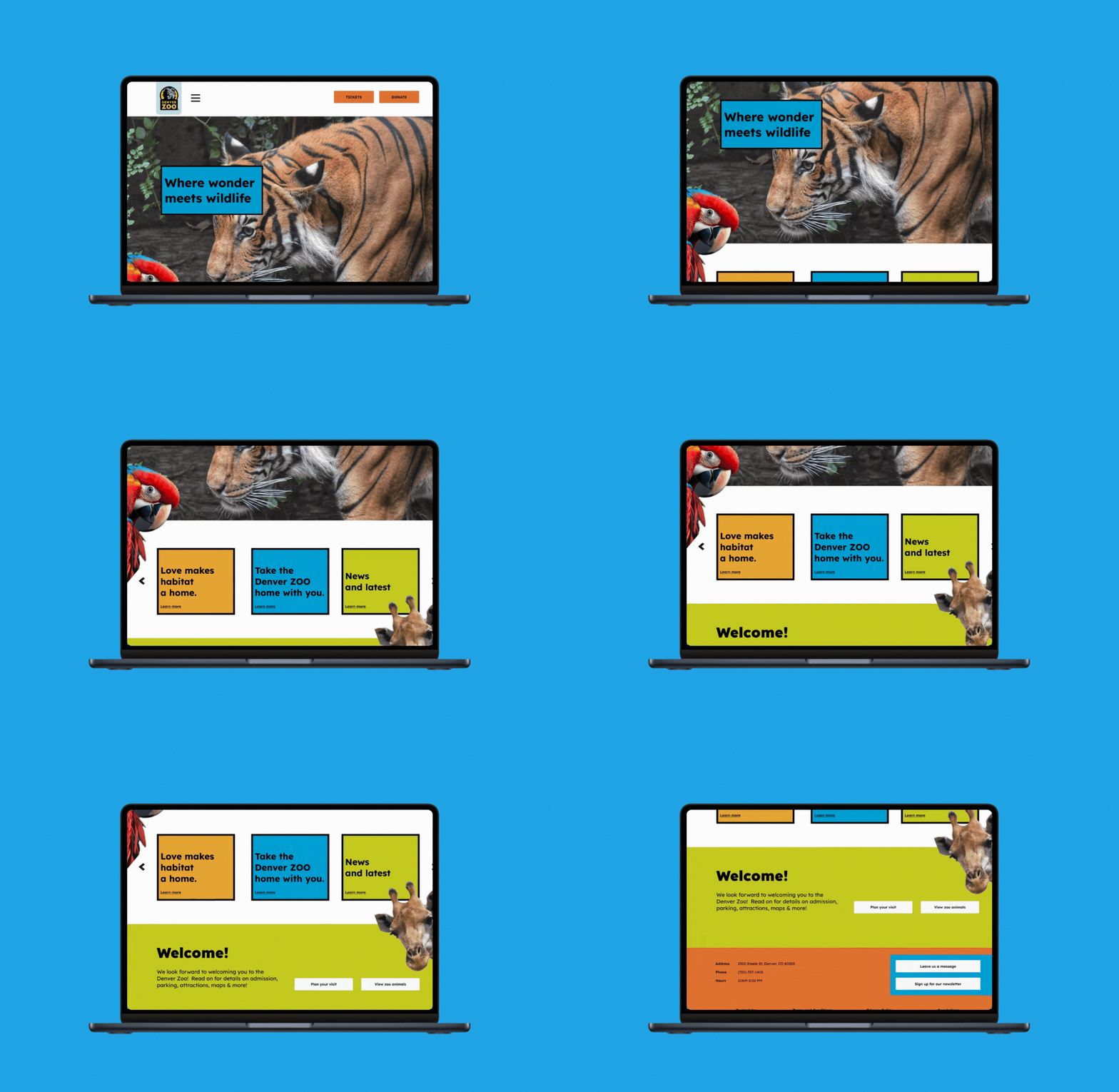
Great zoos deserve great websites. This case study aims to improve the Denver Zoo’s online presence to accurately reflect its values, while giving zoo-goers an approachable way to plan their trip.
ROLE
UX Designer
DURATION
Aug-Dec 2024
FOCUS
Information architecture
Ticketing flow
Visual design
FRAGMENTED TICKET FLOW
When users clicked "Get Tickets," they were dropped into a cluttered calendar showing every available time slot across multiple days, no starting point, no step count, no progress indicator. The flow felt open-ended when it should have felt guided. Users didn't know if they were on step one or step four, and that uncertainty was enough to make them abandon the process entirely.
Zoo-goers need a clear and efficient online ticketing experience, allowing them to feel confident planning their next adventure on the Denver Zoo’s website.
PROCESS
I went through the entire ticketing experience screen by screen, mapping where users were hitting walls and why. Each pain point got its own design response, rethinking how dates and times were presented, adding clear steps so users always knew where they stood, and trimming anything that wasn’t necessary. I ran the solutions through user testing before finalizing anything. Here's what made it into the final design:
Early interviews flagged the calendar as cluttered and confusing. But the deeper issue was that users had no idea where they were in the process. I replaced the chaotic flow with a guided, step-by-step checkout that kept users oriented from start to finish.
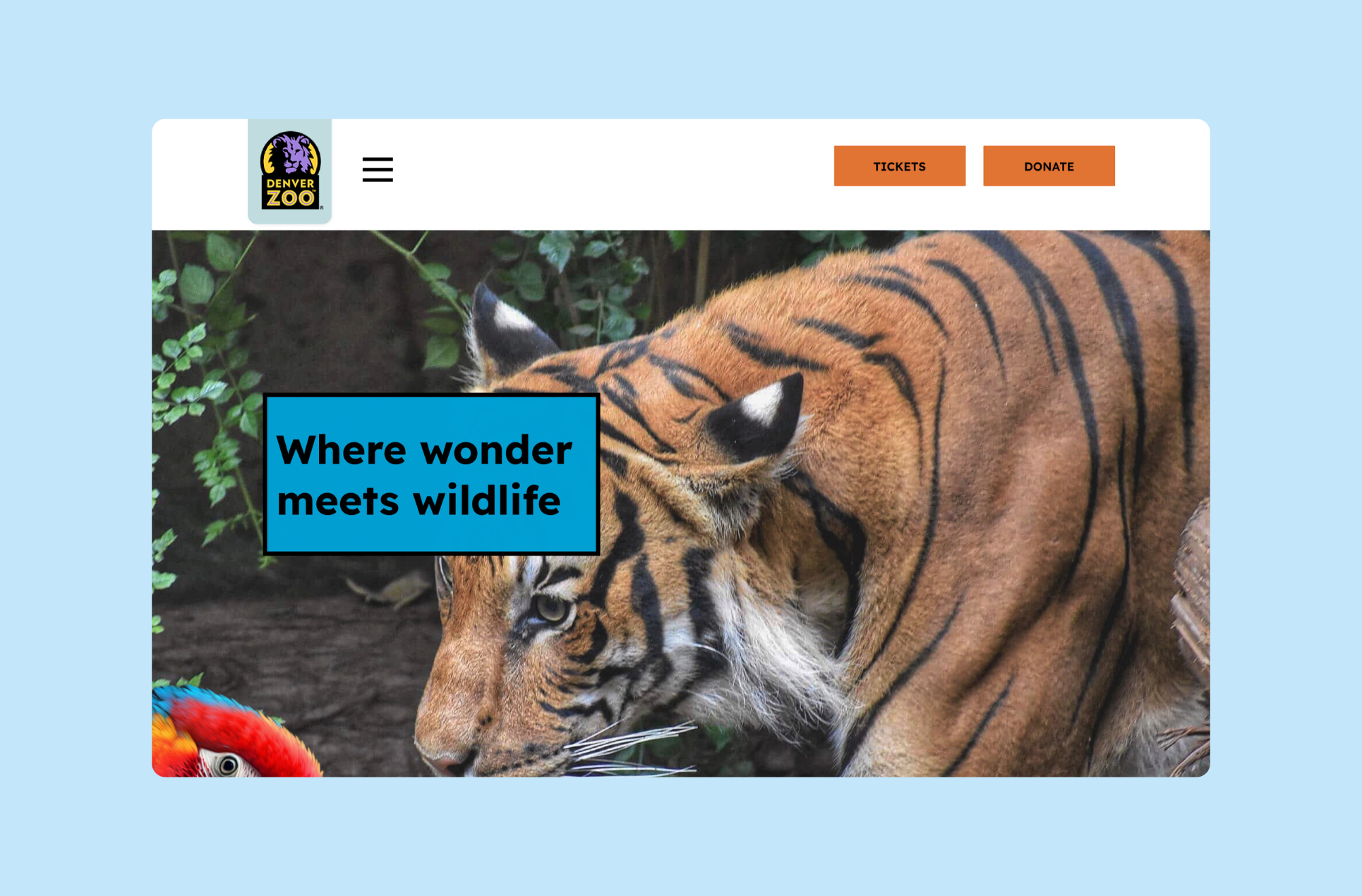
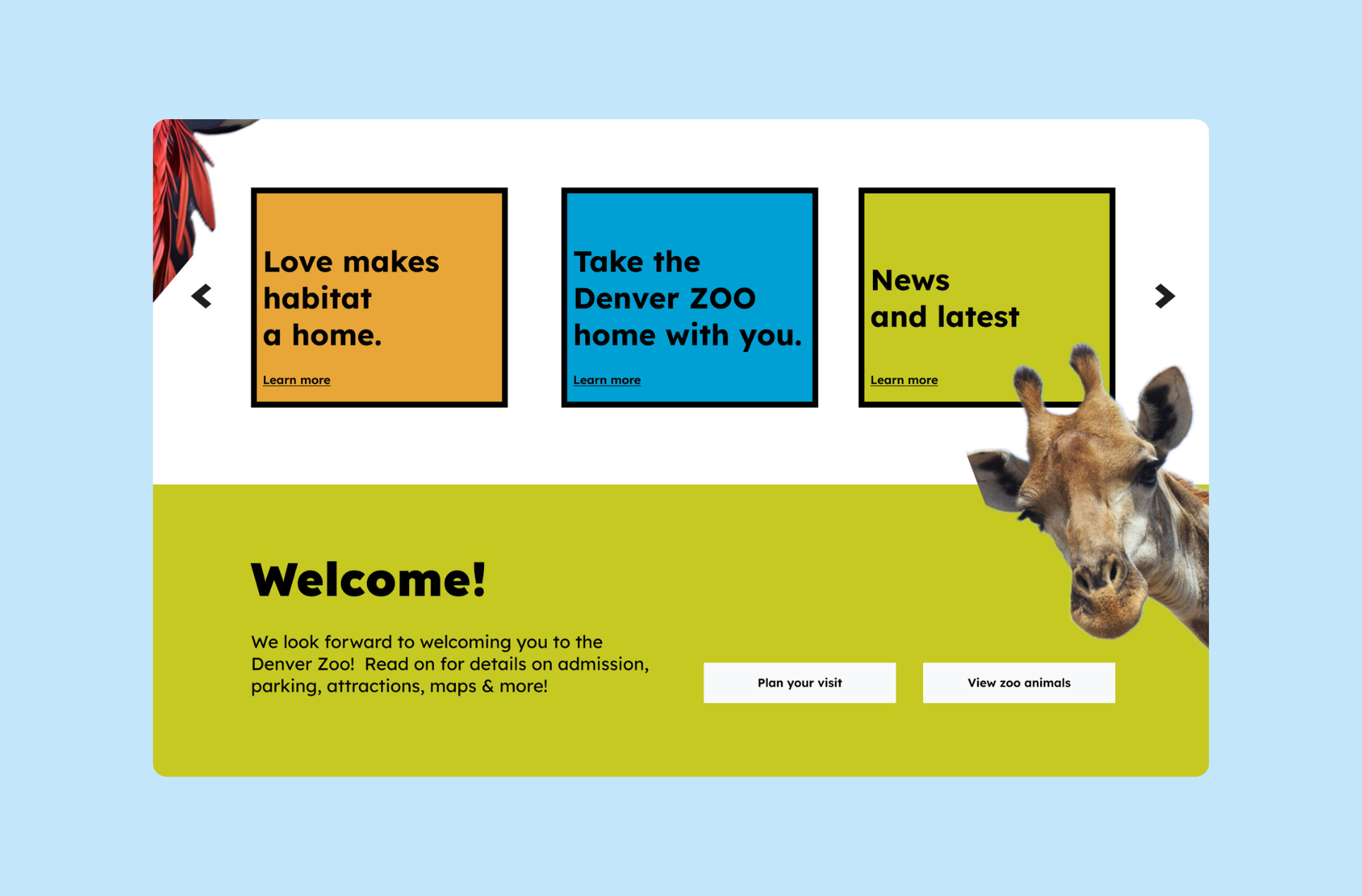
Cleaned homepage with clear button prompt
Added progress bar
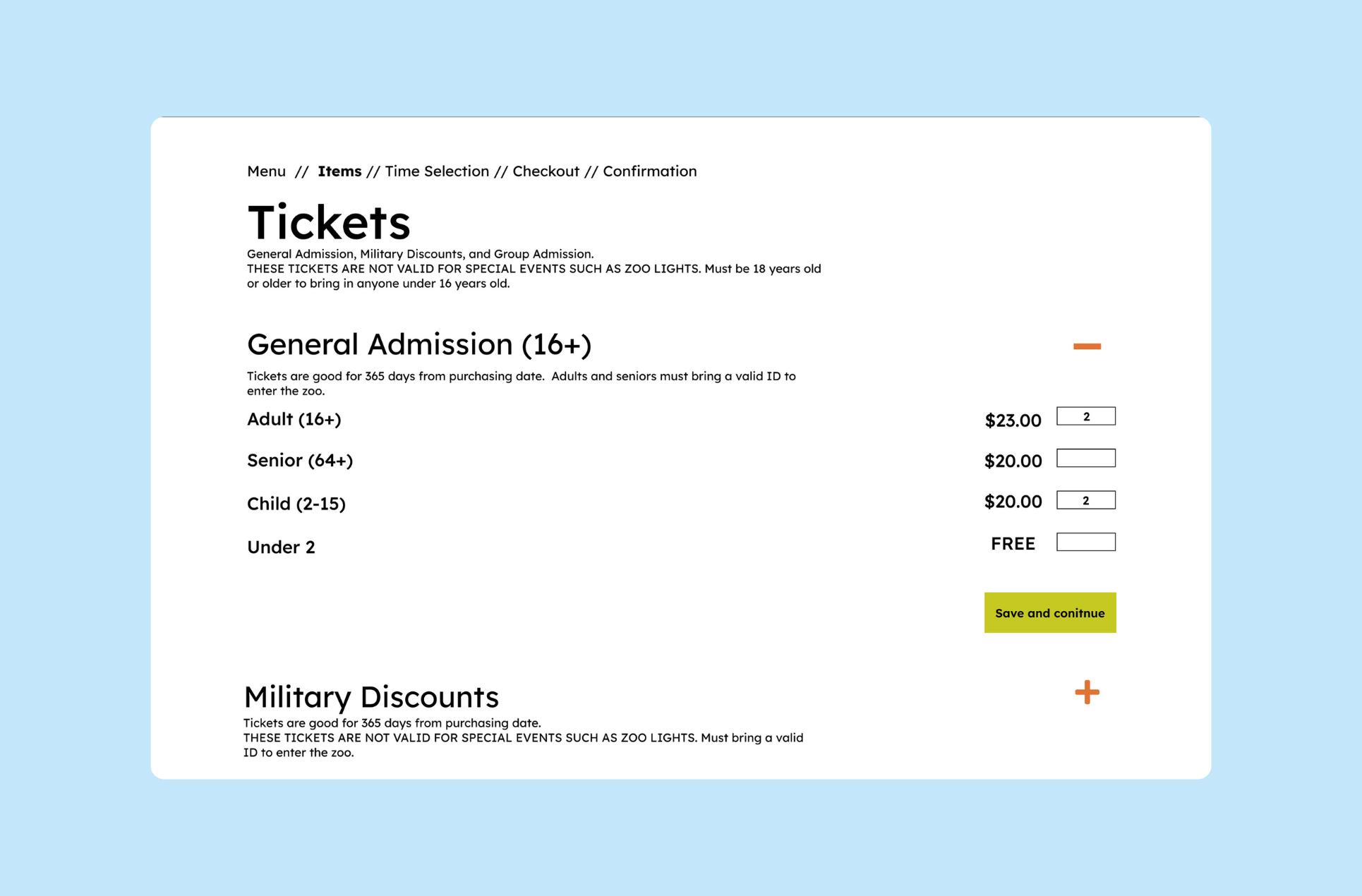
Organized ticket selection
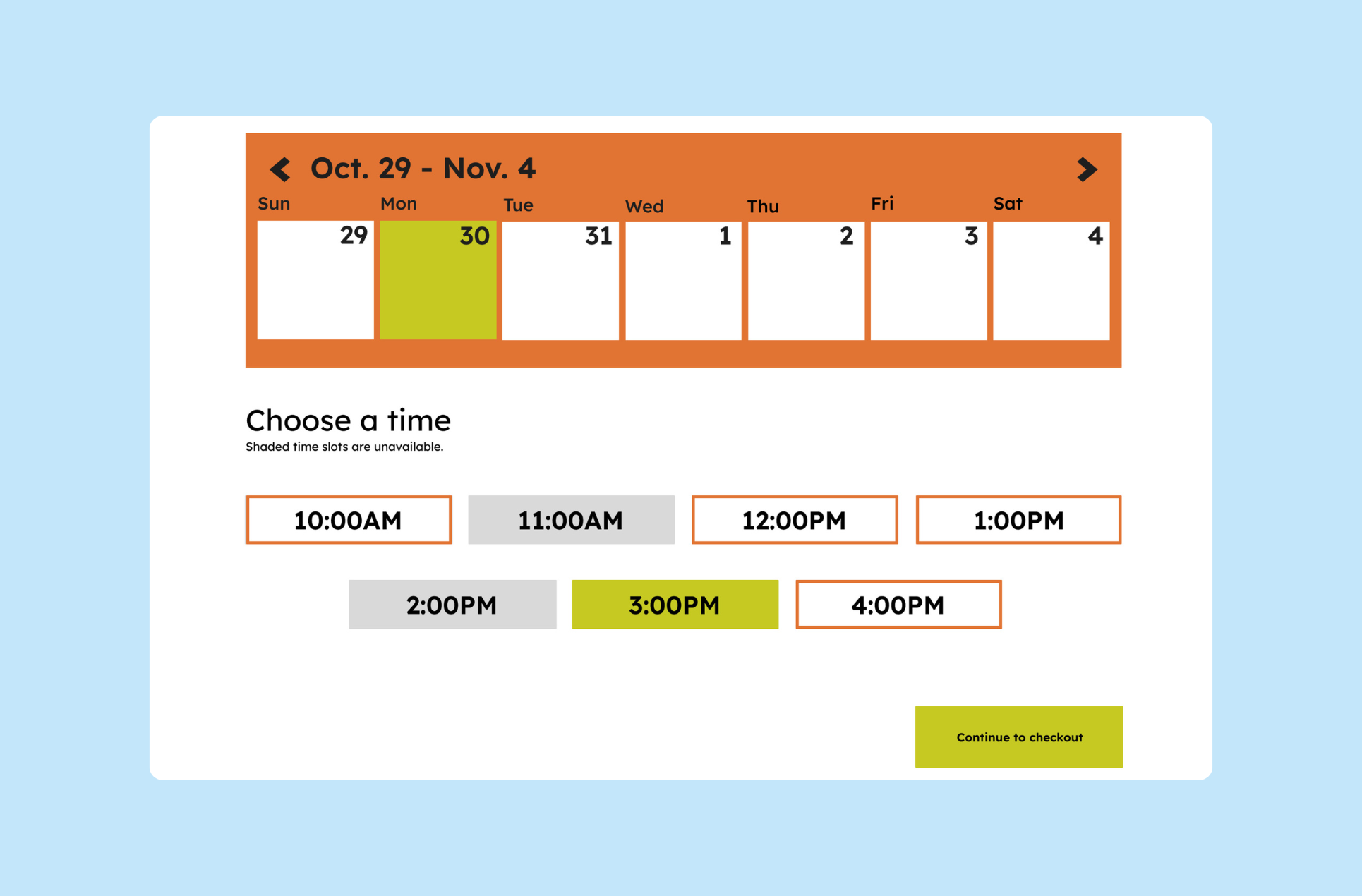
Single step checkout
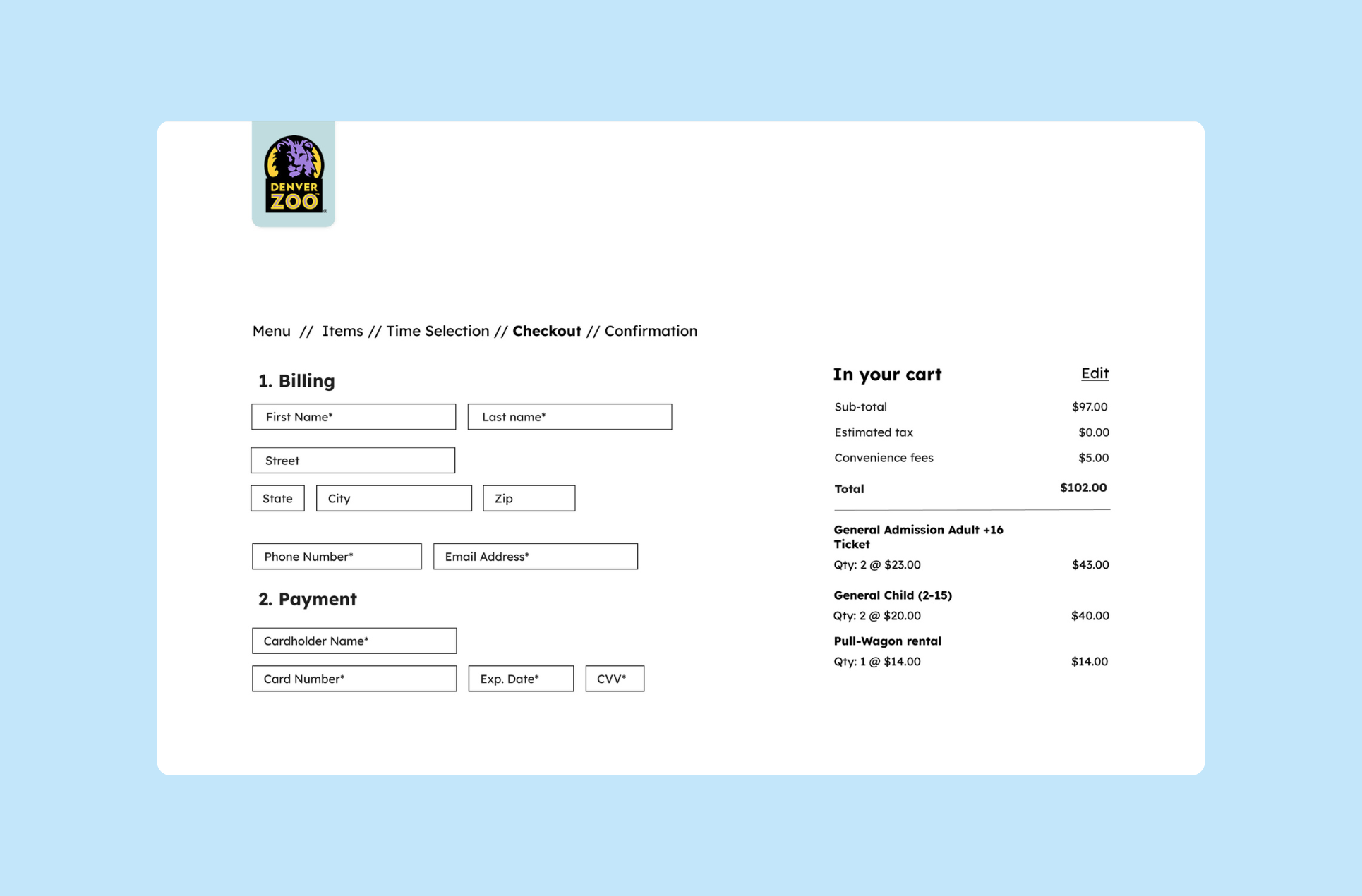
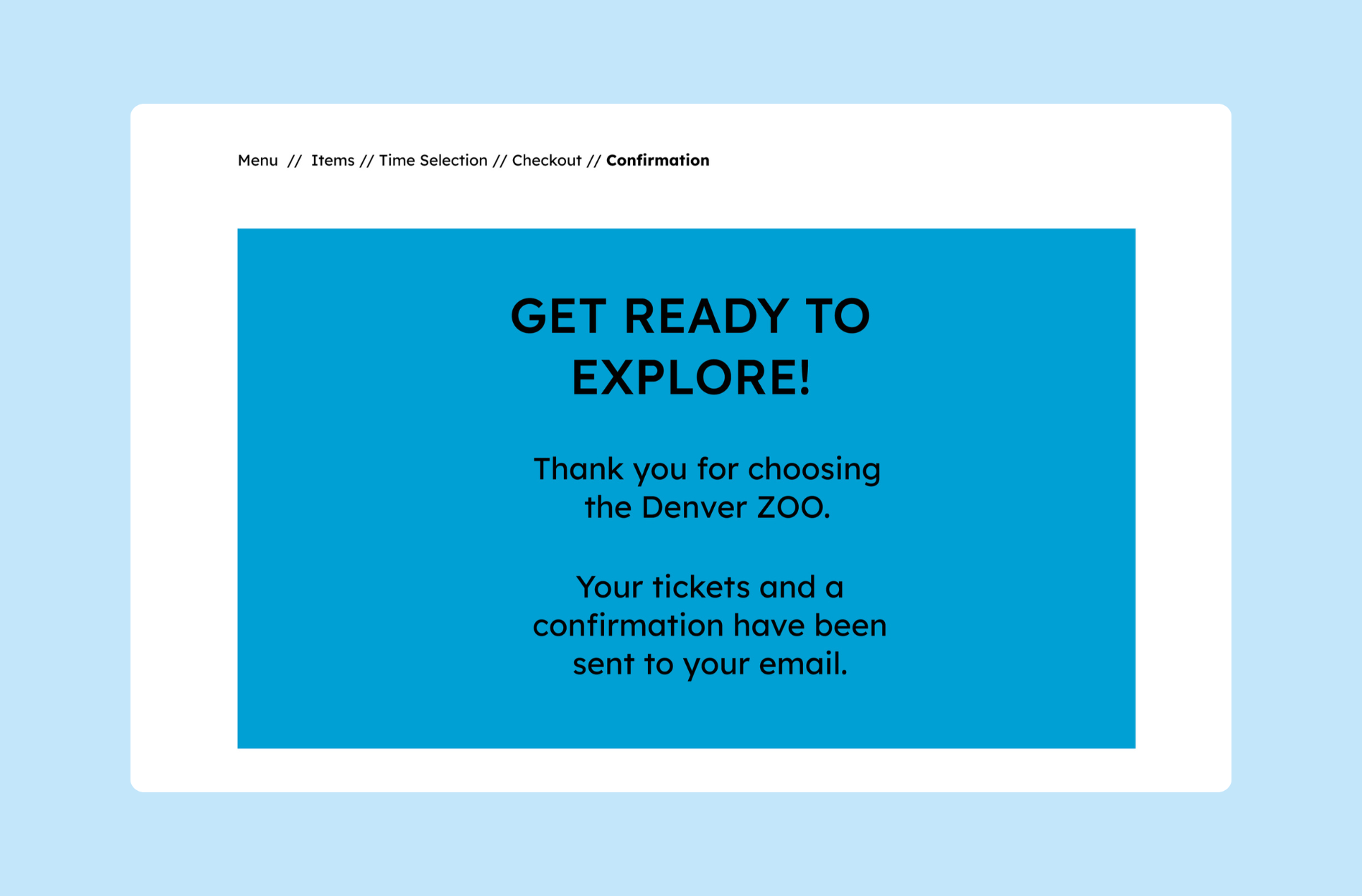
This interactive prototype showcases the redesigned shopping experience. Explore it below to see the improvements in action.
TAKEAWAYS: PRIORITIZING CLARITY
Working through this flow taught me that good UX is often about making steps visible. Breaking the journey into steps and adding a progress indicator turned uncertainty into confidence, and users didn't have to guess where they were or what came next. I also learned that icons alone can't carry the full weight of meaning; pairing them with text or tooltips made the difference between a cue being seen and a cue being understood.
But the biggest lesson came from testing early and often. Prototype feedback surfaced small details I never would've caught on my own, a reminder that design isn't something you get right on the first attempt. It moves forward with users, not just for them.